Microsoft Solutions Partner · Google Cloud Premier Partner · Since 2007
Corporate IT andAI training
Hands-on courses that get your staff using the tools you already pay for: Claude, Microsoft 365 Copilot, generative AI, Google Workspace and security awareness. Live online or in person.
- Online: live virtual class
- Offline: at your office
Plan a session
Pick a course and a format and we will propose an outline.
Step 1 of 2 · then your contact details
Gulf Infotech runs corporate IT and AI training for companies in Oman, the UAE, Qatar and the wider Middle East. Courses cover Claude, Microsoft 365 Copilot, generative AI for business, Google Workspace and security awareness. Each runs as a private session for your company, online as a live virtual class or in person, in English or Arabic. We have supported teams across the Middle East since 2007.
The tools your staff already use, taught hands-on
 Microsoft 365 Copilot
 Outlook
 Teams
 Word
 Excel
 PowerPoint
 SharePoint
 Claude
 Gemini
 Gmail
 Docs
 Sheets
 Slides
 Google Workspace
Why companies train with us


Microsoft Solutions Partner for Modern Work and Google Cloud Premier Partner: we architect, deploy and support the tools we teach.
- 1,500+
Since 2007 with 1,500+ active cloud customers across the Middle East.
Offices in Dubai, Muscat (head office) and Doha covering all six GCC countries.
- 350,000+
350,000+ users migrated since 2007.
Which courses do you offer?
 Microsoft
 365 Copilot training
Copilot in Outlook, Teams, Word, Excel and PowerPoint, plus Copilot Chat and agents.
 Anthropic
Claude AI training for teams
projects, connectors to Microsoft 365 and Google Workspace, and safe use of Claude at work.
 Any AI tool

Generative AI training for business
how AI assistants work, prompting, use cases by department and an AI policy, for any tool.
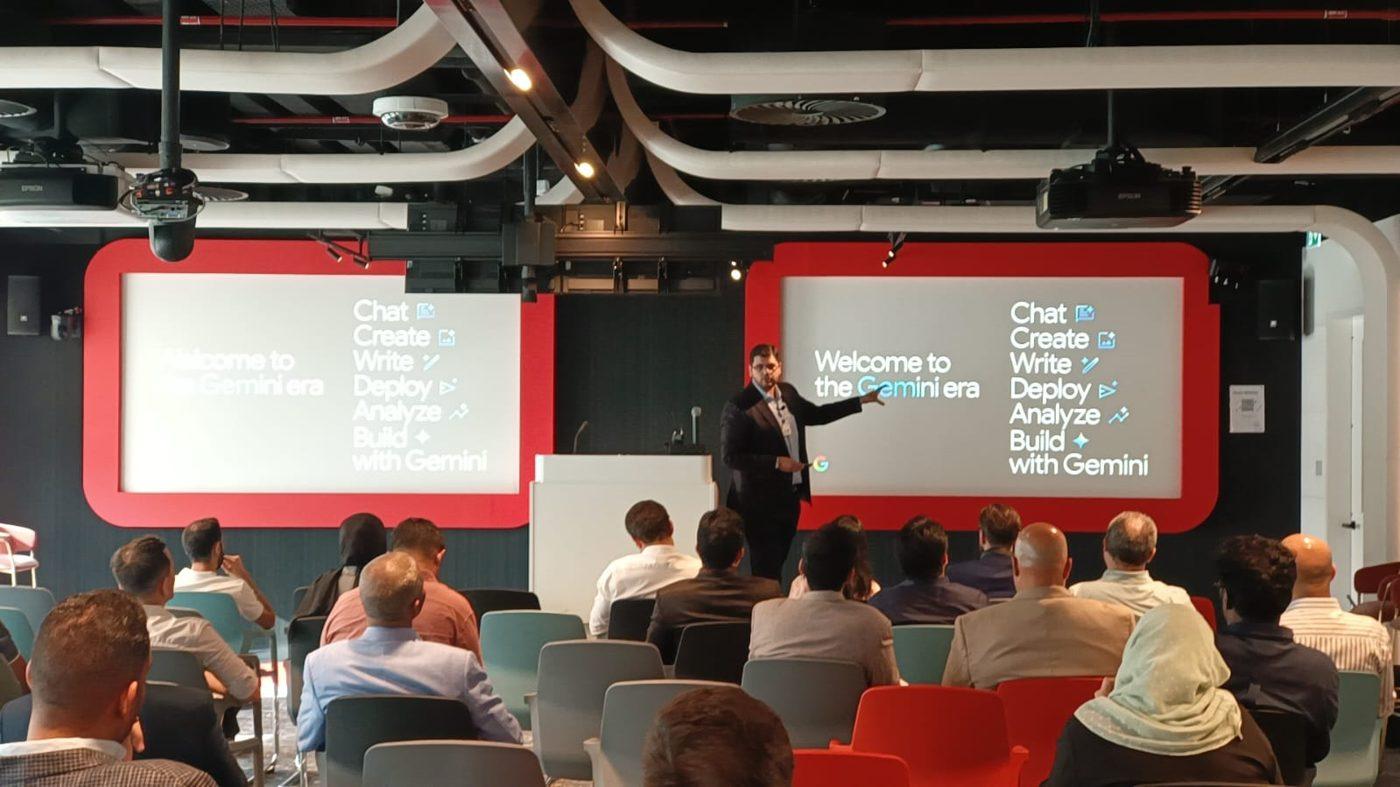
end-user and admin courses, including Gemini in Gmail, Docs and Meet.
 Security
 awareness training
phishing, passwords, multi-factor sign-in and safe handling of data.
Gemini for Workspace and Gemini Enterprise courses, both with Gemini Notebook (previously NotebookLM), with clear rules for company data.
- Microsoft
Microsoft 365 training
Outlook, Teams, OneDrive, SharePoint and Excel for staff, plus security basics for admins.
 Zoho

Zoho training
Zoho CRM pipelines, Zoho Desk tickets, Zoho Books basics and Zoho One for sales, support and finance teams.
chart of accounts, invoices, bills, bank reconciliation, VAT, e-invoicing and reports.
Zoho Mail, Calendar, WorkDrive, Cliq and Meeting for staff, and the admin console.


Which course fits which team?
Microsoft 365 Copilot
Online = live virtual class with a trainer. Offline = in person with a trainer. An overview session runs 60 to 90 minutes; otherwise every course comes as a 1-hour, 2-hour, half-day (4 hours) or full-day (8 hours) package, depending on how hands-on you want it.
How is training delivered?
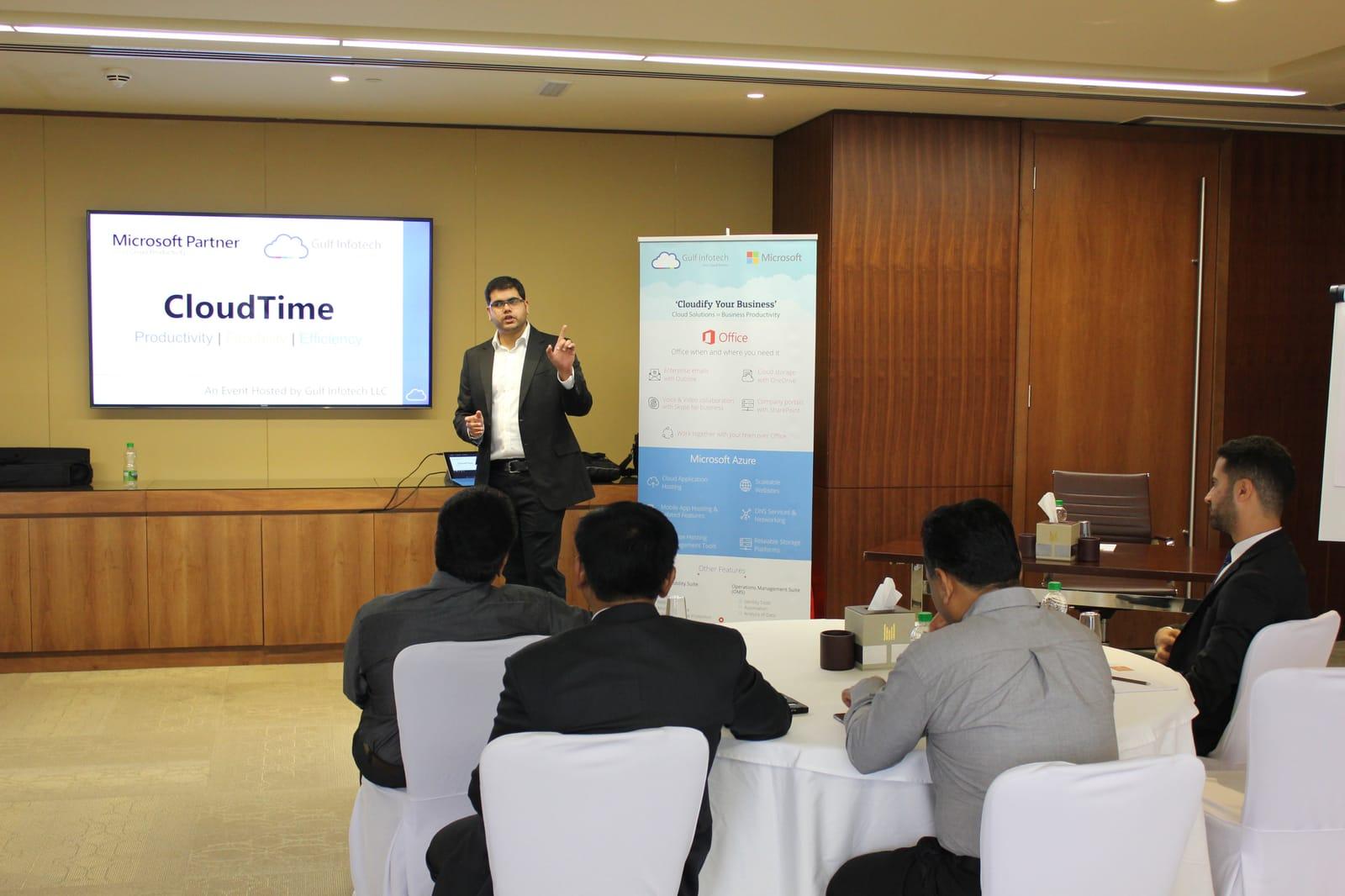
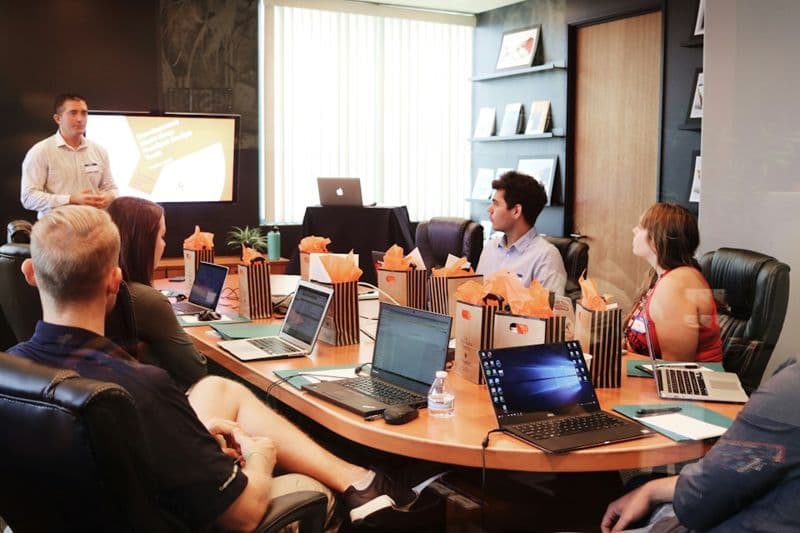
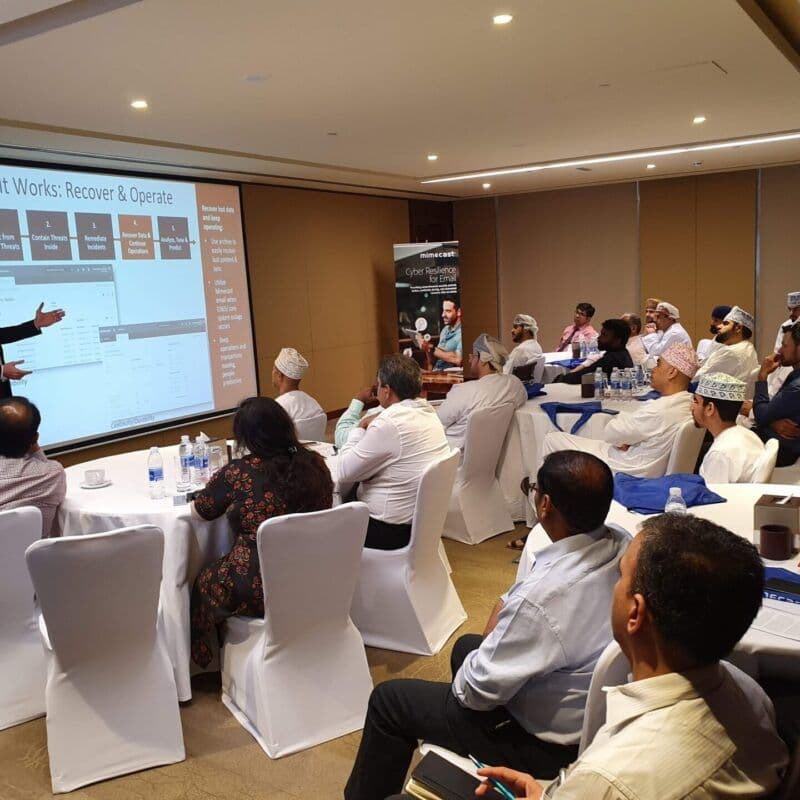
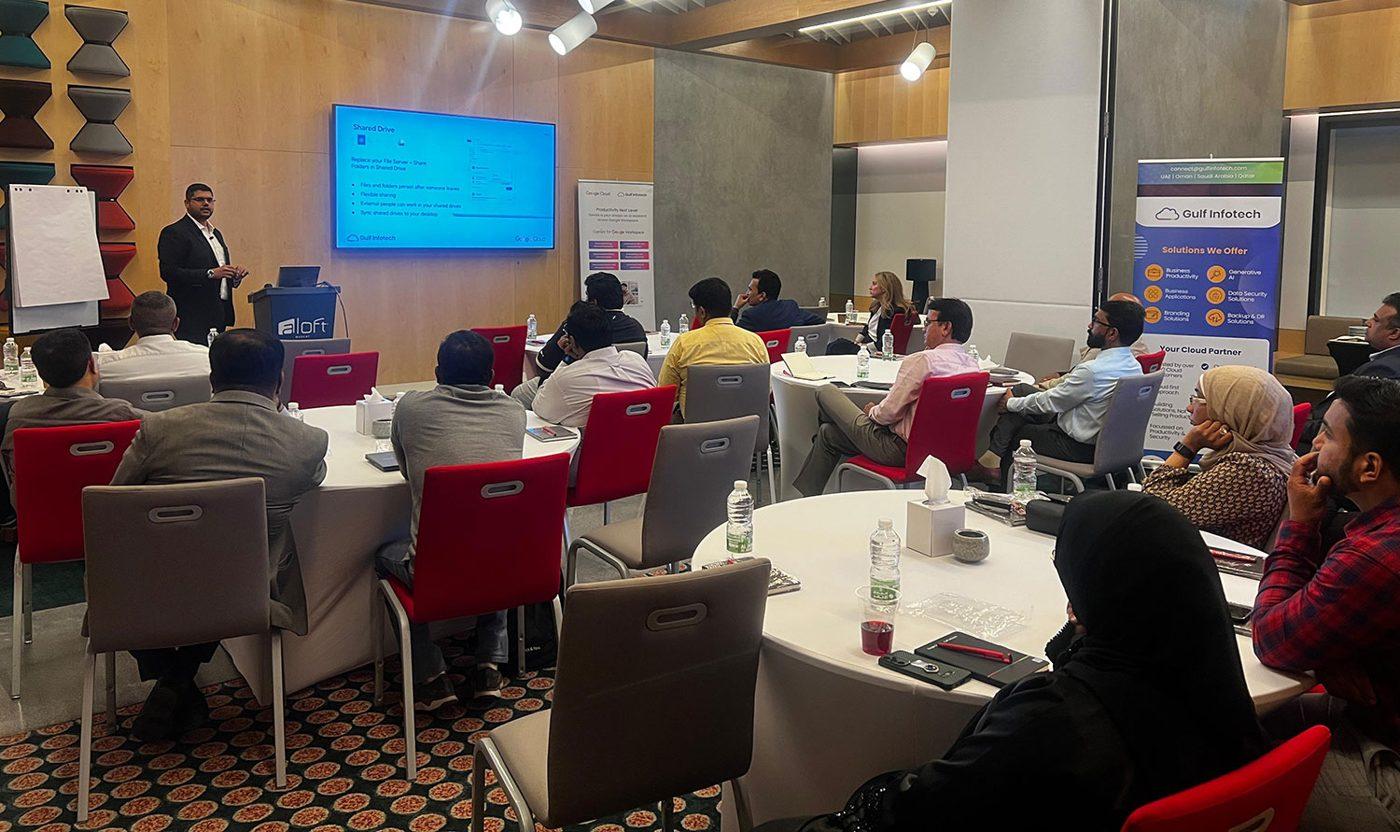
Training is delivered in two formats. Online courses are live virtual classes with a trainer, so staff in Dubai, Muscat, Doha and Riyadh can join the same session. Offline courses run in person with a trainer. Our trainers are vendor-certified: Microsoft Certified Trainers for Microsoft courses, and Google- and Zoho-certified trainers for Google Workspace and Zoho courses. Every course follows the vendor's own syllabus and agenda, aligned with its certifications, and is hands-on: participants work in their own accounts, on tasks from their own jobs. Courses run in English or Arabic, and training is charged separately from licences.
Live virtual class
At your office
1 hour to a full day
In your own accounts
Do participants receive a certificate?
Yes. Paid, registered participants receive a Gulf Infotech certificate. Our courses follow the vendor's own syllabus and agenda, aligned with its certifications. Vendor certifications such as Microsoft certifications and the Google Workspace Administrator certification are exams you book and take with Microsoft or Google; we can advise your IT team on which one to aim for.
Practical skills, in your own accounts, files and tasks.
Gulf Infotech course
Us
Can we book a private session for our company?
Yes. Every course can run as a private session for one company.
We agree the course, the group and the format, then adapt examples to your industry and the licences you hold, for example Copilot exercises on your own SharePoint structure or Gemini exercises in your shared drives.
Contact us with the number of participants and the tools you use.
Session lengths and dates
Every course is a private session for your company, on dates you agree with us. Choose a 60 to 90 minute overview, or a 1-hour, 2-hour, half-day (4 hours) or full-day (8 hours) package, structured to your requirement. Ask us for a session.
Frequently asked questions
Do you run training in person?
Yes. Offline courses run in person with a trainer. Our offices are in Dubai, Muscat and Doha, and Saudi Arabia, Kuwait and Bahrain are served from Dubai. If your staff are spread across sites or countries, the online format runs as a live virtual class so everyone joins the same session with the same trainer.
Is training available in Arabic?
Yes. Courses run in English or Arabic. Where tools support Arabic, such as Copilot prompts or the Gemini side panel, we include Arabic examples so staff see how the assistant handles their own language.
Do participants receive a certificate?
Yes, a Gulf Infotech certificate for every paid, registered participant. Our courses follow the vendor's syllabus, aligned with its certifications. Microsoft certifications and the Google Workspace Administrator certification are separate exams booked and taken with Microsoft or Google. We can recommend which certification suits your IT team after the course.
Can training be customised for our team?
Yes. Private sessions are adapted to your industry, your licences and your files. A finance team learns Copilot in Excel on its own reports; a sales team learns Gemini in Gmail on its own follow-ups. Tell us the group, the tools and the outcome you want, and we will propose a course outline and format before you commit.
How long does a course take?
An overview session runs 60 to 90 minutes. Otherwise courses come in 1-hour, 2-hour, half-day (4 hours) or full-day (8 hours) packages, set by how intensive you want them (overview or hands-on). Introductory AI and security awareness sessions often fit 1 or 2 hours; admin or hands-on Claude and Copilot courses usually need a half or full day. A full day can also be split across several shorter online sessions so staff do not lose a working day.
Which AI course should we start with?
Start with Generative AI for business if your staff have not used AI at work yet, because it covers prompting, safe use and policy for any tool. If you already hold Claude or Microsoft 365 Copilot licences, go straight to the course for that tool. Google Workspace customers get Gemini training inside the Google Workspace course.
Plan training for your team
Tell us how many people, which tools they use and whether you want online or in person, and we will propose a course and format.