Training · Zoho CRM · Zoho Desk · Zoho Books · Zoho One
Zoho training: CRM, Desk, Booksand the suite
Role-based Zoho courses for sales, support and finance teams and their admins, built on your own pipelines, ticket queues and invoices.
- Online: live virtual class
- Offline: at your office
Plan a session
Pick a course and a format and we will propose an outline.
Step 1 of 2 · then your contact details
Zoho training from Gulf Infotech teaches sales teams to work their pipeline in Zoho CRM, support teams to handle tickets in Zoho Desk, finance staff Zoho Books basics and admins how the apps connect. Courses are private, online or in person, in English or Arabic, across the Middle East. We are a Zoho Authorized Partner, in business since 2007.
The tools your staff already use, taught hands-on
 Microsoft 365 Copilot
 Outlook
 Teams
 Word
 Excel
 PowerPoint
 SharePoint
 Claude
 Gemini
 Gmail
 Docs
 Sheets
 Slides
 Google Workspace
Course summary

User tracks
Pick one track or combine several in a corporate package. Training is charged separately from Zoho licences.
Who is Zoho training for?
Sales teams on Zoho CRM
who log calls and deals but do not trust the pipeline report yet.
Support teams on Zoho Desk
who answer email, phone and WhatsApp messages and need SLAs to hold.
Finance staff who need the Zoho Books basics
For the full accounting course, see Zoho Books training.
Companies on Zoho One
that use two or three of the 50+ apps and want the next ones adopted properly. See Zoho One.
Arabic-speaking sales and support teams
Zoho CRM and Zoho Desk support Arabic, and every track can be taught in Arabic.
Zoho admins and managers
who own fields, layouts, automation rules and dashboards.
What will attendees be able to do after the course?
Work the sales pipeline in Zoho CRM
convert leads, move deals through stages, log activities and plan follow-ups.
Handle tickets in Zoho Desk
pick up, reply, escalate and close tickets within SLA, using templates and the knowledge base.
Follow a customer across apps
from CRM deal to Books invoice to Desk ticket, without asking another team.
Build the reports and dashboards
their manager actually reads, in CRM, Desk or Zoho Analytics.
For admins: set up simple automation
with workflow and assignment rules, and know when a process needs Blueprint or Zoho Flow.
For admins: manage users, roles and permissions
so each person sees the records they should.
What does the syllabus cover?
The agenda and syllabus follow Zoho's own training structure, aligned with Zoho's certifications, and we fit the modules and timings to your team's requirement.
Using Zoho Mail, WorkDrive or Cliq as well? Add a module from our Zoho Workplace training.
Module 1
How the Zoho apps fit together
one Zoho account, shared customer records, and what syncs between CRM, Books and Desk.
Module 2
Zoho CRM for sales
leads, contacts, accounts and deals; pipeline stages; activities, emails and WhatsApp from the record; quotes that pass to Zoho Books.
Module 3
Zoho Desk for support
channels into tickets, departments, assignment, SLAs, templates, the Arabic and English help centre, and seeing a customer's CRM and Books details from a ticket.
Module 4
Zoho Books basics
customers, quotes, invoices and payments, and the reports a non-accountant needs. Finance teams take the full Zoho Books course.
Module 5
Reporting
standard reports, custom views and dashboards in CRM and Desk, and an introduction to Zoho Analytics for reports across apps.
Module 6
Automation basics
workflow rules, assignment rules, scheduled follow-ups, an overview of Blueprint (Zoho CRM Professional and higher), and simple Zoho Flow connections.
Module 7
Administration
users, roles, profiles, fields and layouts, data import, and the Zoho One admin panel for companies on Zoho One.
Session lengths and booking
Every Zoho course is a private session on a date you agree with us, in a 1-hour, 2-hour, half-day (4 hours) or full-day (8 hours) package. For a first look at Zoho, an overview session runs 60 to 90 minutes; the longer packages depend on how hands-on you want the Zoho training to be, and we structure each one to your requirement. A sales team might take two hours on the CRM pipeline, while admins usually need a full day. Tracks for different teams can run on different days. Ask us for a session.
What does a corporate Zoho training package look like?
A typical package runs a session for each team on its own app, then a joint session where sales, support and finance follow one customer from first enquiry to invoice to support ticket. We build the exercises on your own pipeline stages, ticket categories and invoice templates. If we implement Zoho for you, training is scheduled at go-live, and Zoho support picks up the questions that follow.
Why learn Zoho with Gulf Infotech?
Zoho Authorized Partner with a large team of Zoho-certified engineers.
Taught by the team that implements Zoho Books, Zoho Desk, Zoho CRM and Zoho One so exercises follow how real Zoho organisations are set up.
We run our own help desk on Zoho Desk for our customers, so the Desk track comes from practice.
- 1,500+
Since 2007 with 1,500+ active cloud customers across the Middle East.
Zoho courses and apps

Frequently asked questions
How long is Zoho CRM training?
Book 1 hour, 2 hours, half a day (4 hours) or a full day (8 hours). A Zoho overview takes 60 to 90 minutes; longer packages depend on how hands-on you want it. Two hours is usually enough for sales users to work leads and deals in their own pipeline. CRM admins need a half or full day for fields, layouts, automation and reports. We can split either into shorter sessions.
Can you train on Zoho One rather than one app?
Yes. Zoho One includes more than 50 apps, and few companies use them all. We start with the apps you have rolled out, often CRM, Books and Desk, then add sessions as you adopt more, such as Zoho Analytics or Zoho Projects. The admin track covers the Zoho One admin panel.
Is Zoho training available in Arabic?
Yes. Any track can be taught in English, in Arabic or in both. Zoho CRM and Zoho Desk both support Arabic, so Arabic-speaking sales and support teams can work and train in their own language, and Zoho Books issues Arabic invoices. In Arabic sessions we use Arabic examples and templates where your setup has them.
Can we practise in our own Zoho organisation?
Where possible, yes, because exercises on your own pipeline and ticket queues stick better. We agree beforehand which exercises are safe to run on live data and which belong in a Zoho sandbox.
Do we get a certificate?
Paid, registered participants receive a Gulf Infotech certificate for the track they took. It is a record of hands-on training, not a Zoho certification or exam result. Let us know before the course if HR needs specific wording.
Is the training online or in person?
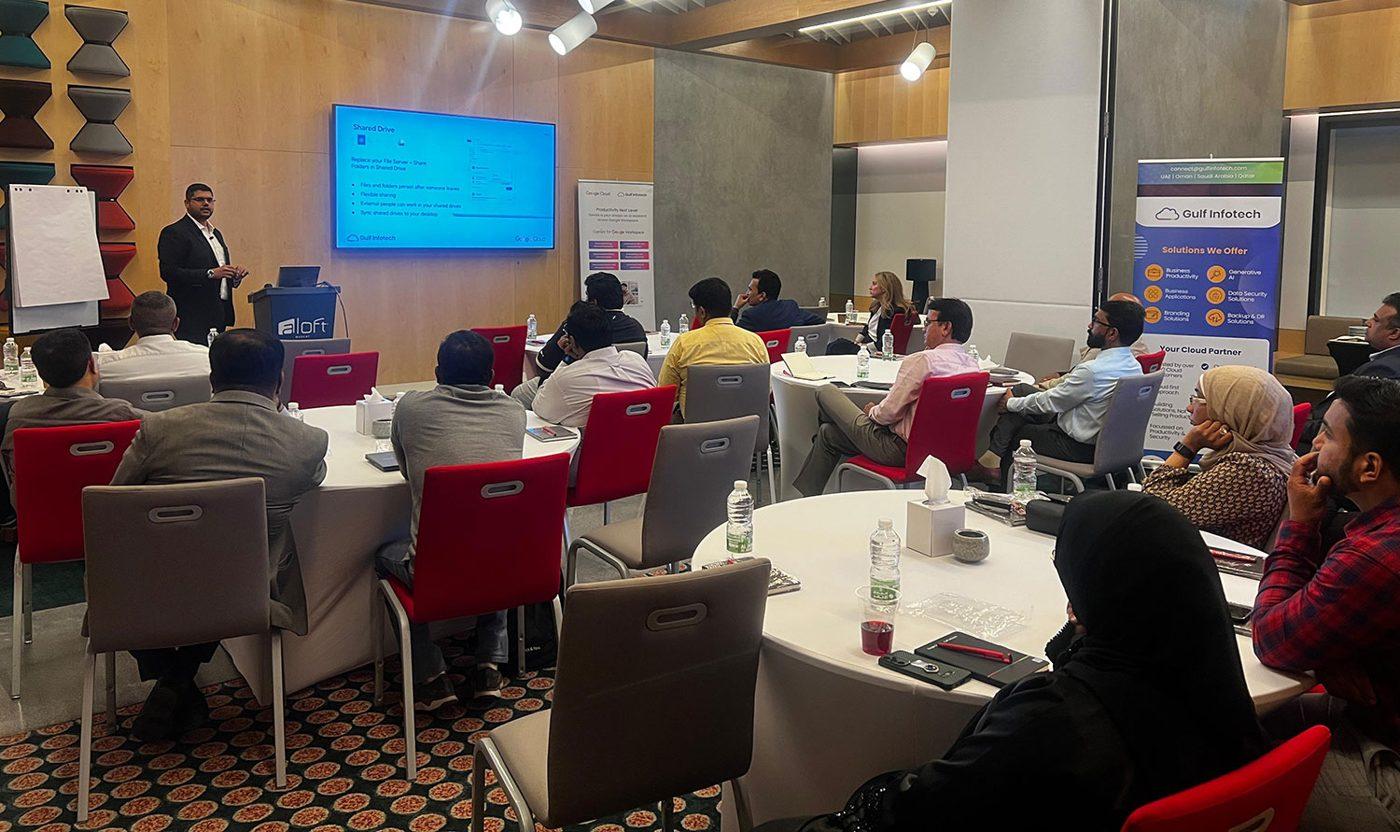
Both. Online sessions are live virtual classes with a trainer, which suits teams across several offices or countries. In-person sessions run at our offices in Muscat, Dubai and Doha. In both formats attendees work in Zoho during the session, on records like the ones they handle every day.
Plan Zoho training for your teams
Tell us which Zoho apps you use, which teams need training and the language they prefer, and we will suggest a package.