WebinarPast Microsoft
Unlock the Power of Microsoft Copilot
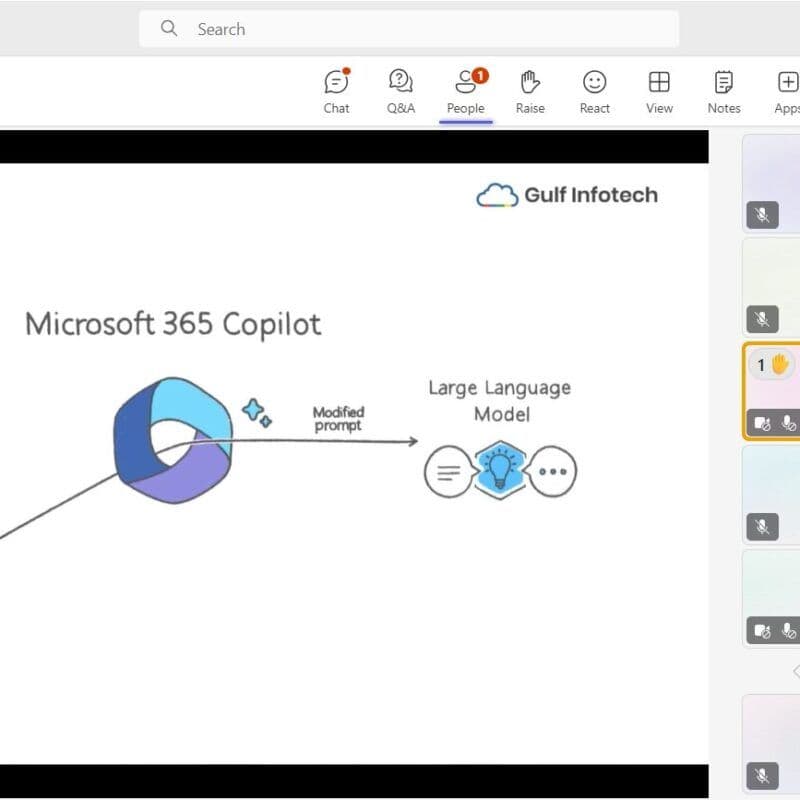
A live online webinar on 7 October 2026 on using Microsoft Copilot for everyday work: drafting, summarising, finding information in business content and writing better prompts. Gulf Infotech's certified Copilot trainers led it for professionals and managers who are new to Copilot or have only tried it a few times.
Key facts
- Date
- 7 October 2026
- Wednesday
- Time
- 15:00 GST
- GST (UTC+4)
- Format
- Webinar
- Where
- Online
- Language
- English
Webinar
Agenda
Part 1
Work smarter with AI: simplifying everyday tasks
Part 2
Create with Copilot: draft, refine and summarise
Part 3
Find insights faster in business data and content
Part 4
Bring Copilot into your daily workflow
Part 5
Better prompting for more useful results
What we covered
Work smarter with AI: simplifying everyday tasks
Which routine tasks Copilot handles well, such as first drafts, meeting notes and catching up on long email threads, and which still need a person from the start.
Create with Copilot: draft, refine and summarise
Asking Copilot in Word and Outlook for a first draft, refining it for tone and length, and summarising long documents into the points a reader needs.
Find insights faster in business data and content
Using Copilot to pull key figures and trends out of Excel sheets, and to find answers across the files, mail and meetings a user can already open.
Bring Copilot into your daily workflow
Where Copilot sits in Teams, Outlook, Word, Excel and PowerPoint, so it becomes part of the normal working day rather than a separate tool to remember.
Better prompting for more useful results
A good prompt states the goal, the context and the format wanted. The trainers showed how that changes the answer, and why every output is checked before it goes out.
7 October 2026
Session write-up
This webinar was led by Gulf Infotech's certified Copilot trainers and aimed at professionals and managers who are new to Copilot or have only tried it a few times. It stayed practical: each part paired a common task with a demonstration of Copilot doing it.
The trainers covered drafting and refining content, summarising long threads and documents, and pulling key points out of business data. A separate segment on prompting showed why results improve when a request states the goal, the context and the format wanted, and why the output still needs a human check before it goes out.
For a Gulf business planning its first steps, the session set out the usual path: start with Copilot Chat, which Microsoft includes for Microsoft 365 work accounts, then license Microsoft 365 Copilot for the roles that spend most of their day in Word, Excel, PowerPoint, Outlook and Teams. Copilot works only with data the user can already open, so tidy file permissions first.
Talk to us about Microsoft Copilot
We can run a session like this for your team, online or at your office, and help you plan the next step for your business.
Related sessions
All events and webinars Microsoft19 August 2026
Unlock the Future: Microsoft AI, Dynamics, and Smart Operations
Aloft Hotel, Muscat
View session